
The last tool you'll ever needto scale organic content.
From$99.95a month for 5 phones
MacWindows
iOSAndroid
1,500+ in our Telegram and Discord <3




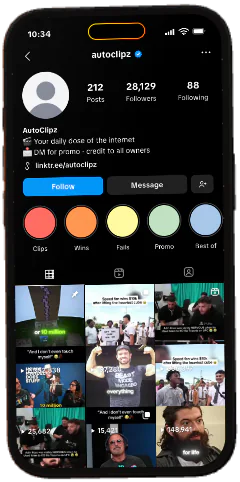
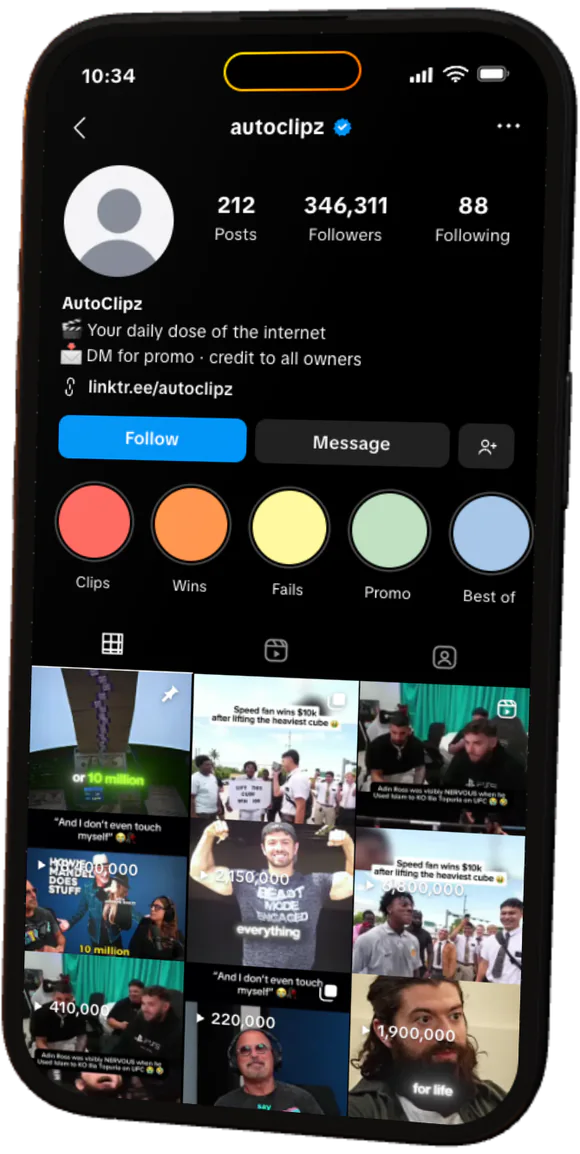
Run your entire operation. From one dashboard.Your whole operation. One dashboard.Every phone. Every account. One dashboard.Your entire operation, on autopilot.Manage it all. Automate the rest.Run the whole farm while it runs itself.


 All online phones11
 Instagram
 TikTok
 Threads
 X
X YouTube
 Snapchat
 CapCut
 Facebook
 Telegram
 Pinterest
 Lemon8
 Discord




 Google Maps


- Pick what to runReady-made routines for warmup and posting.
- Choose phones and a timeOne phone or many, on a schedule you set.
- Watch it runSee every run and how it went.


 +2
+2




 DoritoXJailbroken iPhones
 DoritoYNormal iPhones
 DoritoDAndroidMulti-accountingMany accounts on one phone, each in its own space.
- Each account in its own spaceA container per account, with its own login and app data.
- Switch in one tapPick one in the dashboard.
- Its own IP for each accountA proxy per account, or one for the whole phone.





- Pick the videosVideos and photos from your library.
- Make the copiesChoose how many and how much they change.
- Approve and sendKeep the good ones, discard the rest.


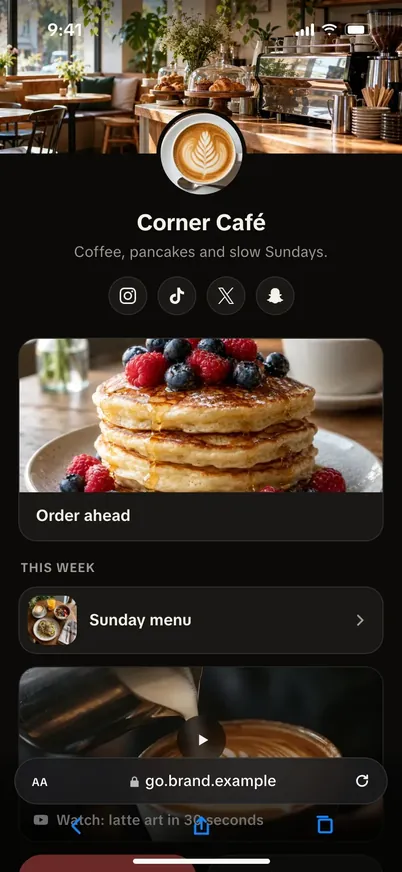
- Tap in the appSomeone taps your bio link.
- Checked at the doorBots, crawlers and link scanners get counted apart.
- Out to the real browserPeople land on your page in Safari or Chrome.

How it works
- Step 1: Pick your phonesUse your own phones. Pay per phone, from 5.
- Step 2: Plug them inConnect them by USB to a Mac or PC.
- Step 3: Run your accountsControl them live, or let posts run on a schedule.


Pricing
From $99.95 a month for 5 phones
- Each phone
- $19.99 a month
- Phones to start
- 5
- From
- $99.95 a month
Every phone live in your browser. Add Automations, Multi-accounting and more when you need them.
See pricing

Start with one phone, or a whole farm.
Plug in your phones and run every account from one dashboard.
Build your farm
1,500+ in our Telegram and Discord <3
